Technology2026-03-25T00:00:00+00:00
Building a Home Lab in 2026: The Ultimate Guide
Home LabSelf-HostingNetworkingDockerProxmox
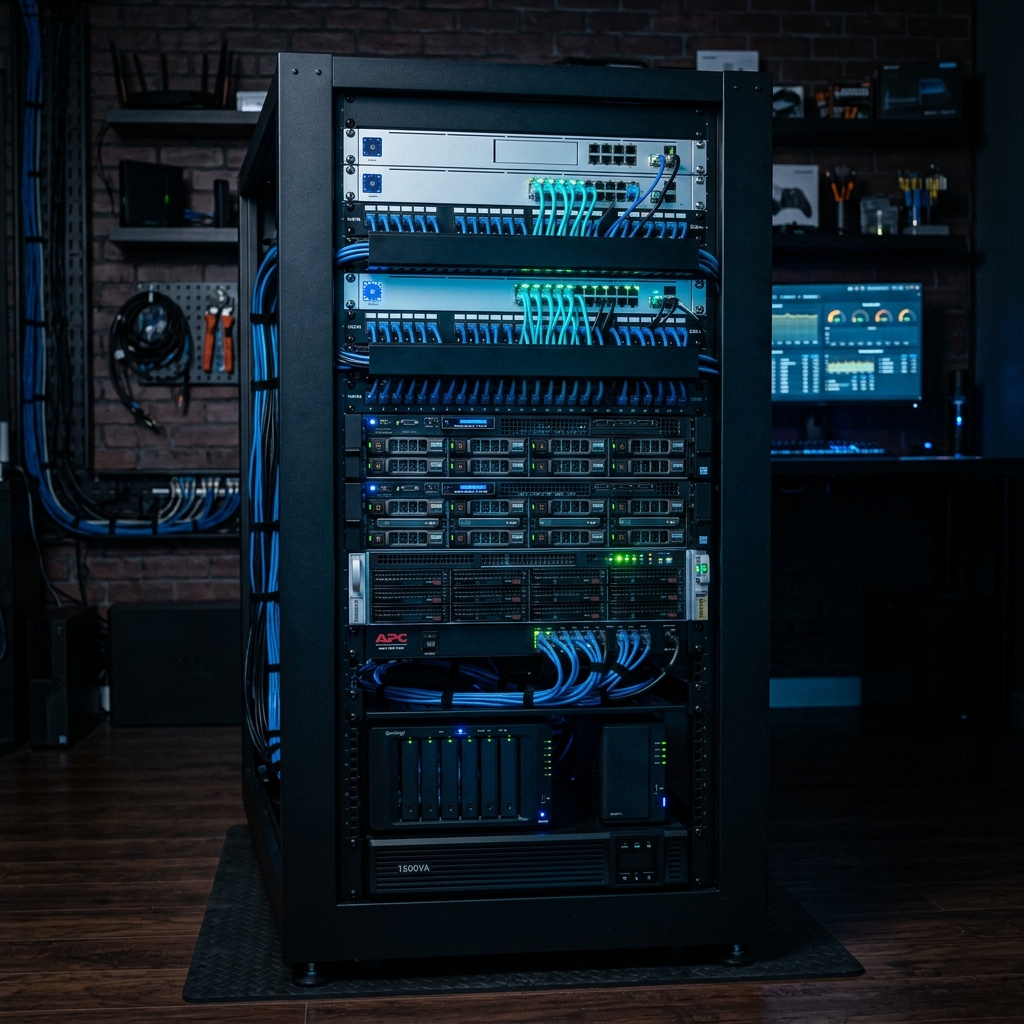
Why Build a Home Lab?
Cloud subscriptions add up. Privacy matters. And there's something deeply satisfying about owning your infrastructure. My home lab handles:
- AI model inference (local LLMs)
- Smart home automation (Home Assistant)
- Media server (Plex + Jellyfin)
- Development environments
- Network-wide ad blocking
- VPN gateway
- Backup storage
Total monthly cost after hardware investment: ~$25 in electricity.
The Stack
Compute Layer
- Primary: 6x Refurbished ThinkPads (the 'Toasted Cluster')
- Secondary: Raspberry Pi 6 (16GB) for lightweight services
- Hypervisor: Proxmox VE 8.3
Networking
- Router: OPNsense on a Mini PC
- Switch: TP-Link TL-SG108E (managed, 8-port)
- Access Points: UniFi U6+ (x2)
- VPN: Tailscale mesh network
Storage
- NAS: Synology DS423+ with 4x 8TB drives (RAID 10)
- Fast Storage: 2TB NVMe in the primary node
- Backup: Backblaze B2 for off-site
Software Stack
Container Orchestration
I run everything in Docker with Portainer for management. Kubernetes is overkill for home use — fight me.
Key Services
├── Traefik (reverse proxy)
├── Pi-hole (DNS + ad blocking)
├── Home Assistant (automation)
├── Ollama (local AI)
├── Open WebUI (AI chat interface)
├── Plex (media)
├── Nextcloud (file sync)
├── Gitea (private Git)
├── Uptime Kuma (monitoring)
└── Grafana + Prometheus (metrics)
Budget Breakdown
| Component | Cost |
|---|---|
| 6x ThinkPads (used) | $800 |
| Networking gear | $350 |
| Synology NAS + drives | $900 |
| Raspberry Pi 6 | $65 |
| Cables, accessories | $100 |
| Total | $2,215 |
The Learning Curve
Is it worth it? If you're a developer, absolutely. The skills you build — networking, Linux administration, container orchestration, security — translate directly to career growth. Plus, you'll never pay for another SaaS tool that you can self-host.
Visit my AI Lab page for detailed hardware photos and the full network diagram.